Nikita · project engineering Now showcasing: Full-Stack Builds
Explore a curated set of projects across web, mobile, and full-stack development.
Use filters to quickly browse by platform and open any card for the full case study with tech stack,
impact, and implementation details.
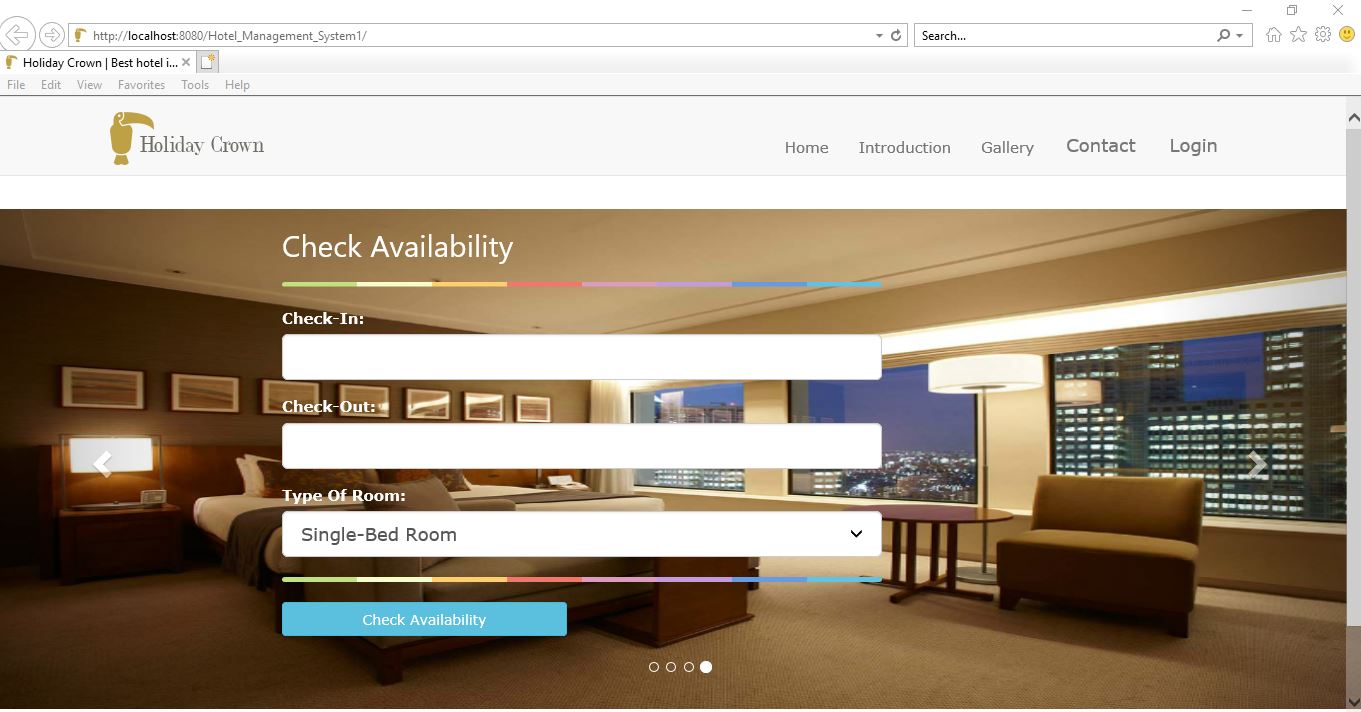
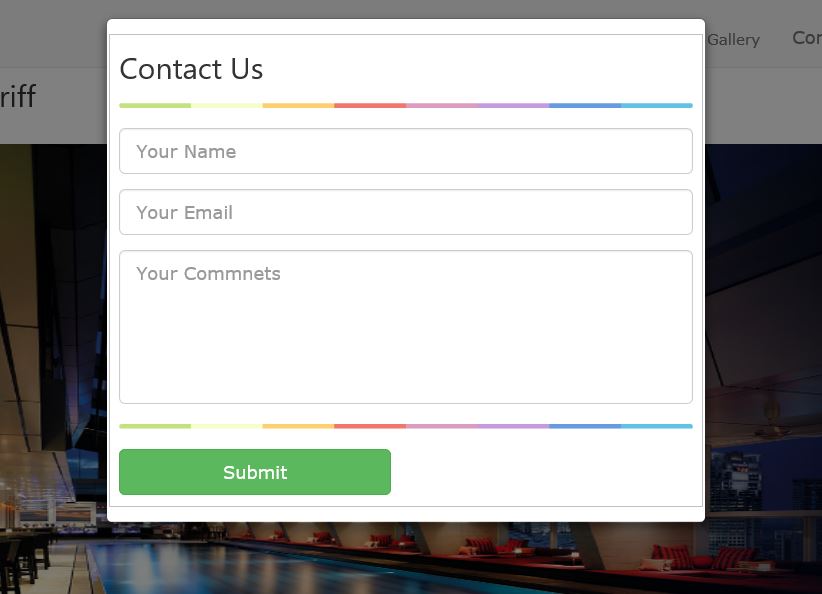
Crown-Hotel demonstrates product-minded backend and frontend coordination in a real-world domain.
I focused on building a smooth room-discovery and reservation experience while supporting admin-side
controls for room lifecycle and booking management through a role-aware architecture.
Project Impact
Designed workflows for three user modes: guest browsing, registered booking, and admin operations.
Implemented date-based availability logic to support reliable room search and reservation actions.
Built maintainable CRUD pathways for rooms and bookings, improving operational control.
Delivered collaborative group execution using a clear MVC-style separation of concerns.
Technology display
JavaJSPJSTLSpring MVCMySQLjQueryAJAXBootstrap
Key features
Date-based room availability and room-type selection for guests.
Registered users can book rooms and manage previous reservations.
Admin tools support add, edit, delete, and update workflows for rooms and bookings.
Structured login and registration flows supported by server-side Java servlets.
Strong fit for full-stack Java roles requiring product sense, data workflows, and clean admin tooling.
Trackiffy
Android app SQLite storage Savings tracking
Personal finance companion focused on transaction tracking, reminders, and quick mobile feedback.
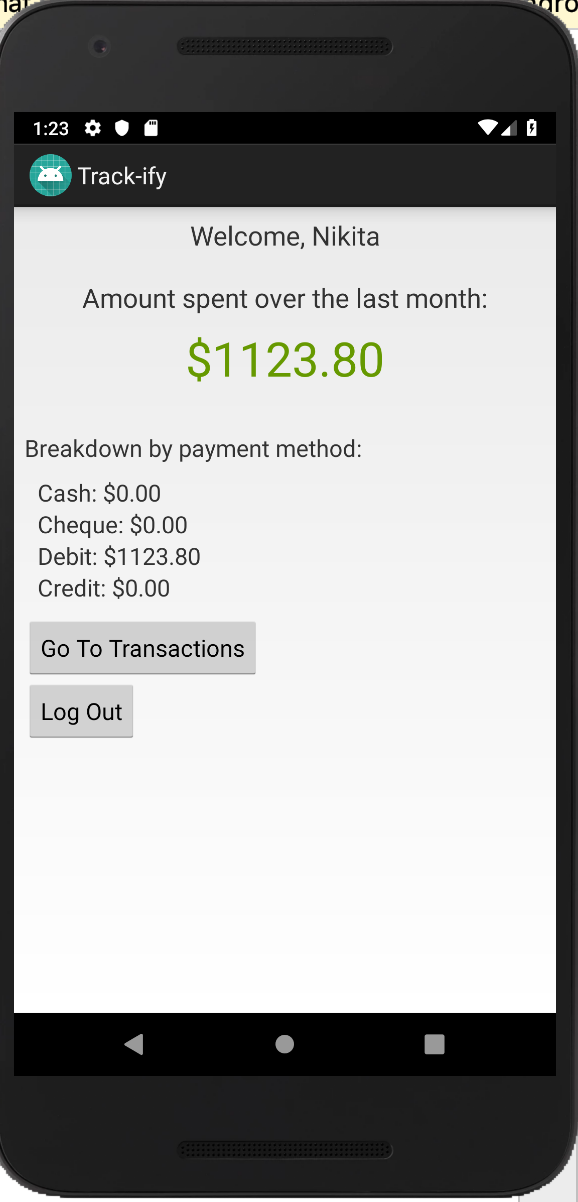
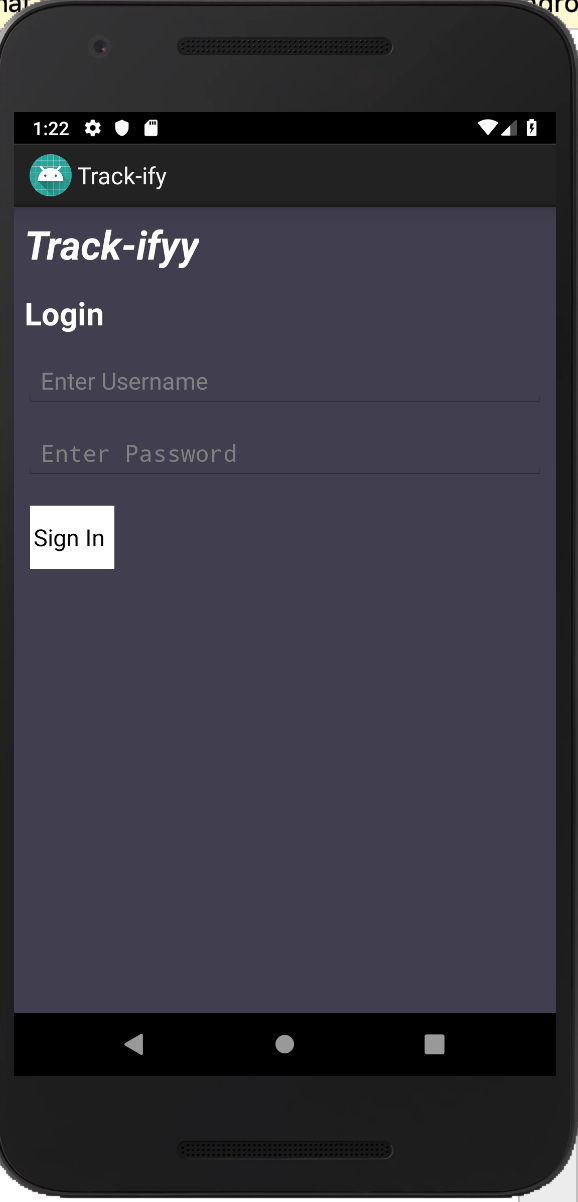
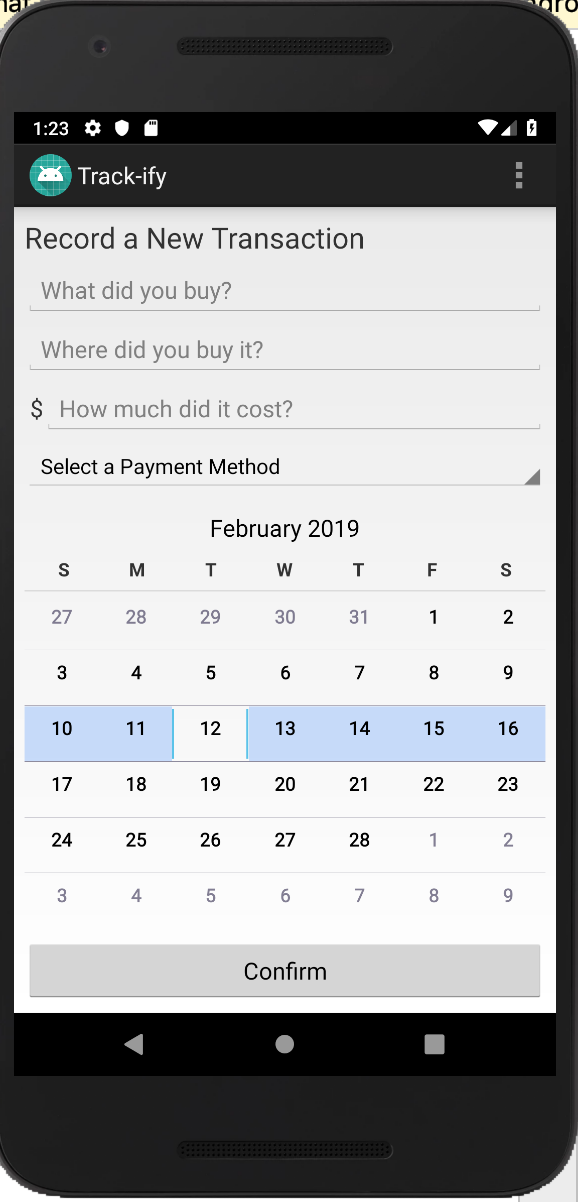
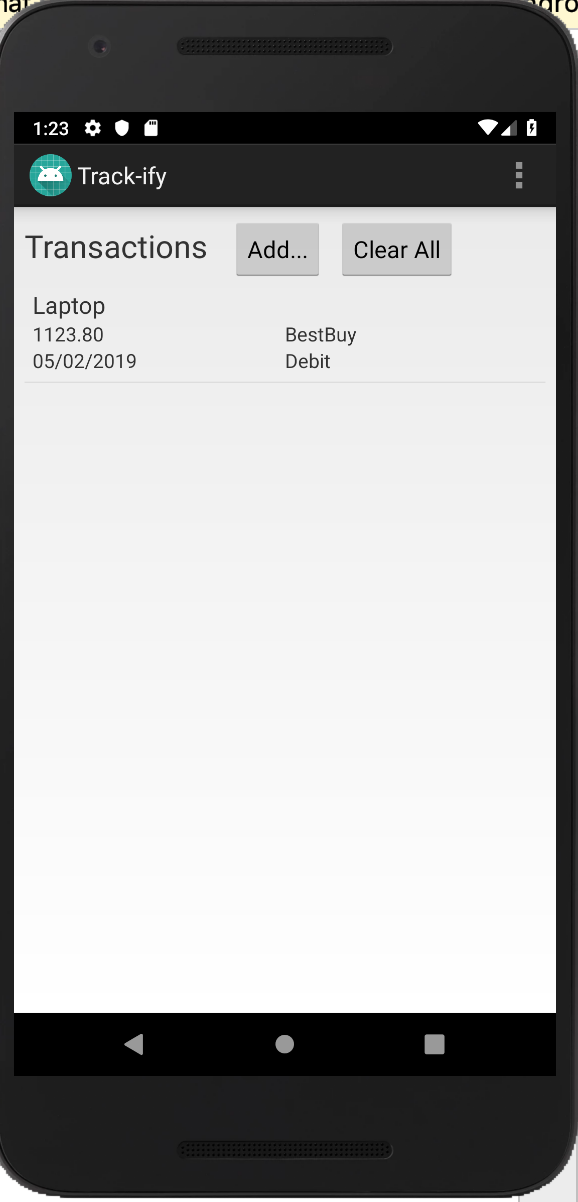
Trackiffy is an Android reminder and savings tracker with sign-in, sign-up, transaction entry,
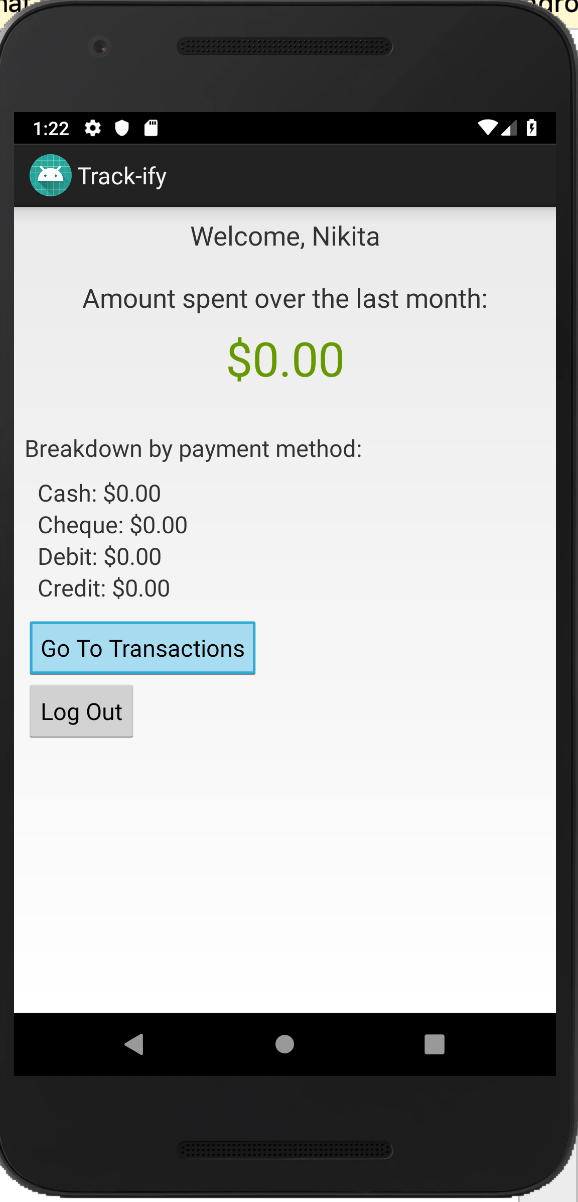
spending summaries, and reminder tooling. The codebase uses local databases to store users and
transactions, then surfaces category-style spending totals directly inside the app.
User sign-up and sign-in flows with local account persistence.
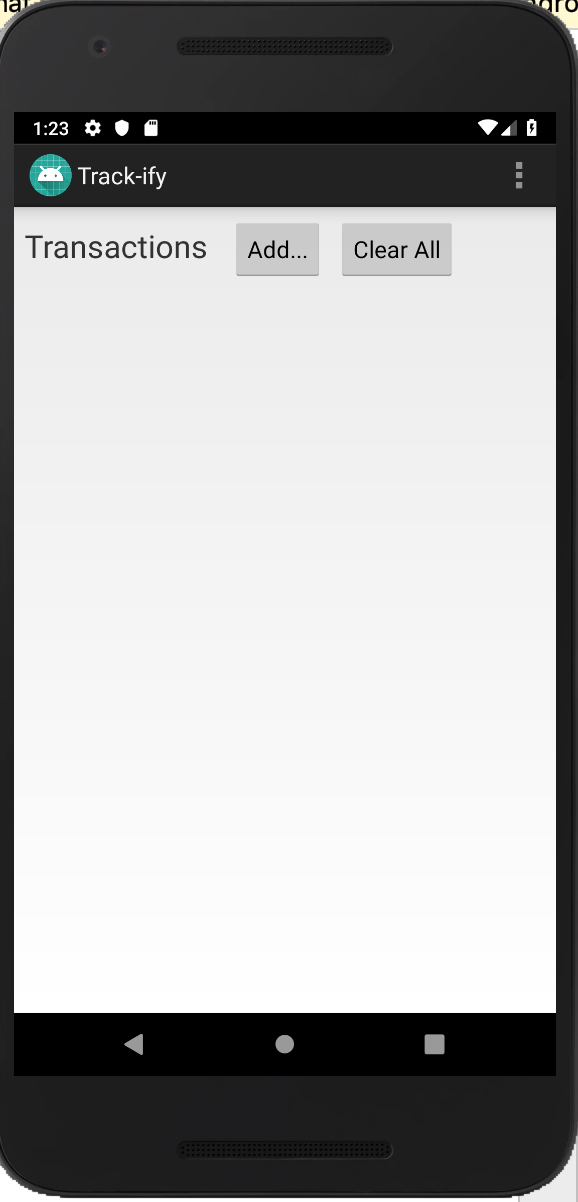
Add, list, and clear transactions with item, seller, cost, date, and payment method fields.
Automatic spending summaries across total, cash, cheque, debit, and credit categories.
Reminder and settings screens to support ongoing savings habits.
Designed to make saving behavior visible with fast, local-first Android interactions.
Address Book
Contact manager CRUD workflow SQLite-backed
Mobile contact management system built with dependable CRUD architecture and clean data handling.
End-to-end CRUD flow Mobile-first UX Local data persistence
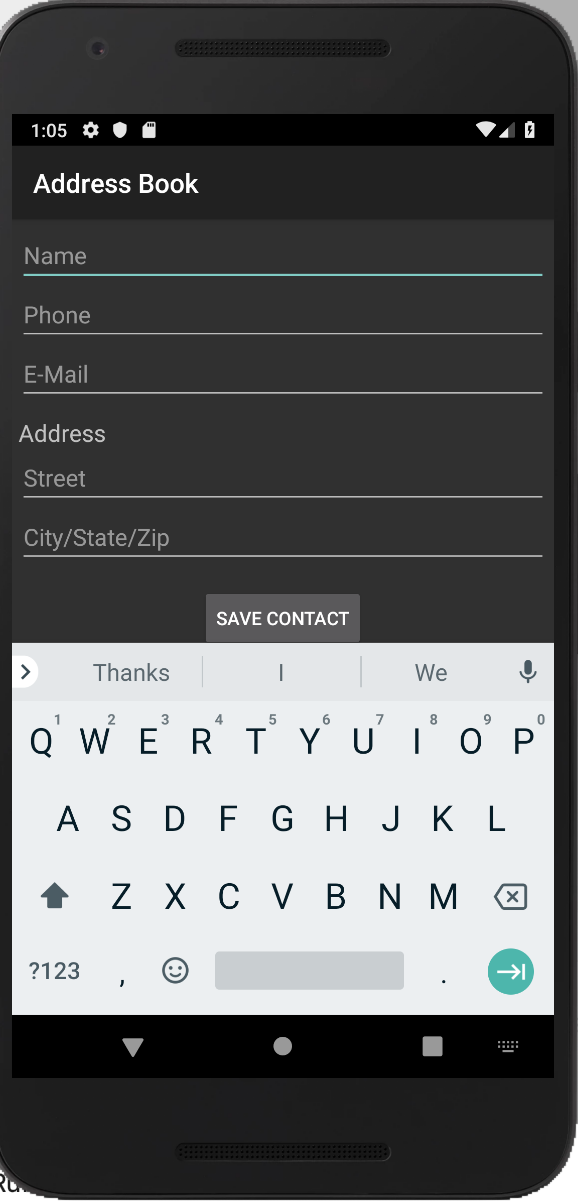
Address Book demonstrates practical software engineering fundamentals through a complete create,
read, update, and delete lifecycle. The app uses structured screen transitions, background tasks,
and reliable local storage to keep contact operations fast, predictable, and easy to maintain.
Project Impact
Implemented full contact lifecycle workflows with strong UI-to-database consistency.
Designed detail and edit flows that reduce friction for everyday contact updates.
Applied SQLite and helper abstractions to keep persistence logic organized.
Used asynchronous data loading patterns to keep interactions responsive.
Create and update contacts with name, phone, email, street, and city fields.
List and detail views support easy browsing through stored contacts.
Delete actions are protected with confirmation dialogs.
SQLite helper and connector classes keep persistence logic organized and reusable.
Strong fit for roles focused on mobile development, clean architecture, and reliable data workflows.
Coffee Maker Simulator
iOS simulator Interactive controls Sequence logic
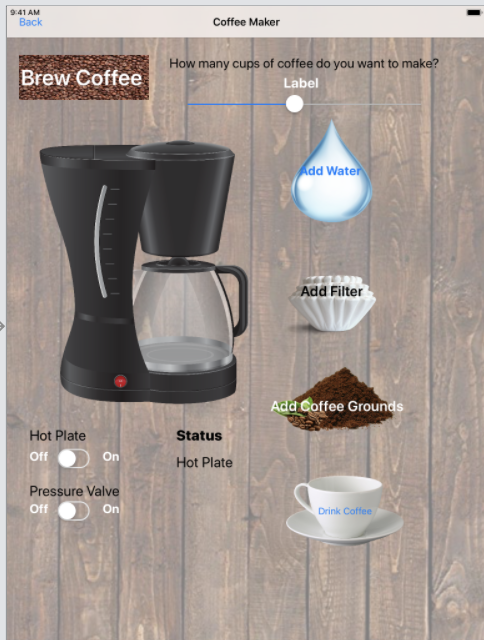
Interactive iOS simulator showcasing event-driven UI logic, state management, and polished user feedback loops.
Direct manipulation UI Stateful interaction model UIKit-driven iOS build
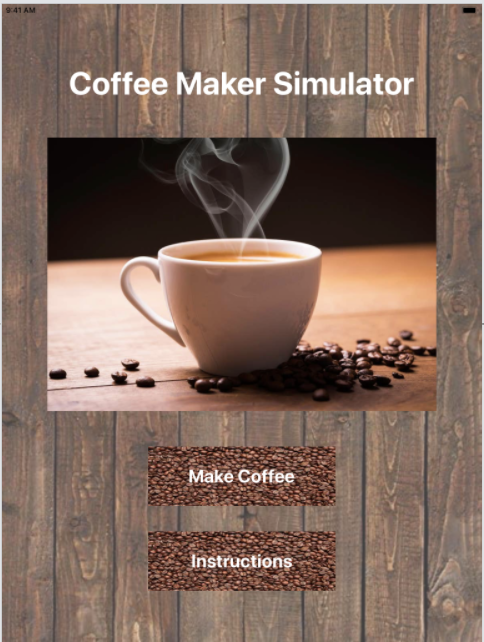
Coffee Maker Simulator demonstrates product-focused mobile engineering through sequential interactions,
clear control states, and instant visual feedback. Users progress through preparation steps, trigger
brew actions, and observe behavior changes that mirror real machine flow in a compact, intuitive interface.
Project Impact
Engineered multi-step user flows with guard-state logic before brew operations are allowed.
Designed tactile controls using sliders, switches, and buttons for a high-engagement iOS experience.
Structured interaction states for maintainability and predictable UI behavior.
Translated a physical process into a clean digital simulation, highlighting UX and product thinking.
Technology display
SwiftUIKitiOS StoryboardsIBActions / IBOutletsUISliderUISwitchUIButton state logic
Key features
Interactive controls for water, filter, coffee grounds, mug placement, and brew actions.
State variables track simulator readiness before brewing.
Cup count interaction and coffee consumption behavior enhance realism.
Instruction-based flow makes the simulator approachable and visual.
Strong fit for iOS roles requiring hands-on UI engineering, interaction design, and state-driven app logic.
App of Apps
Multi-tool suite Maps + music + tasks Game module
Multi-module iOS product suite demonstrating scalable feature integration and end-to-end app architecture.
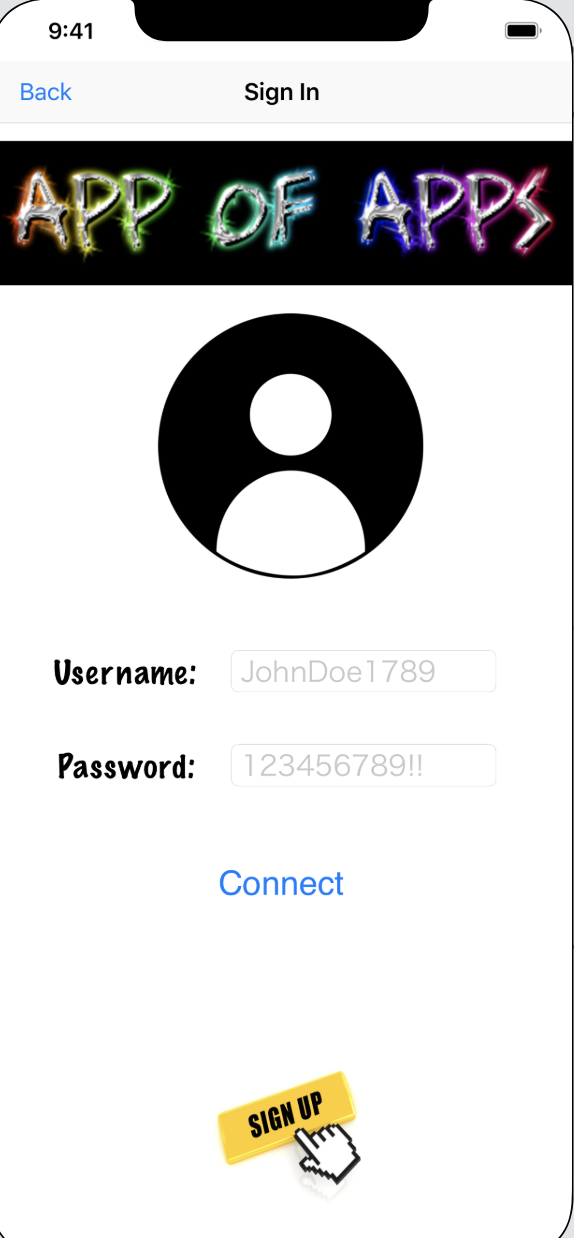
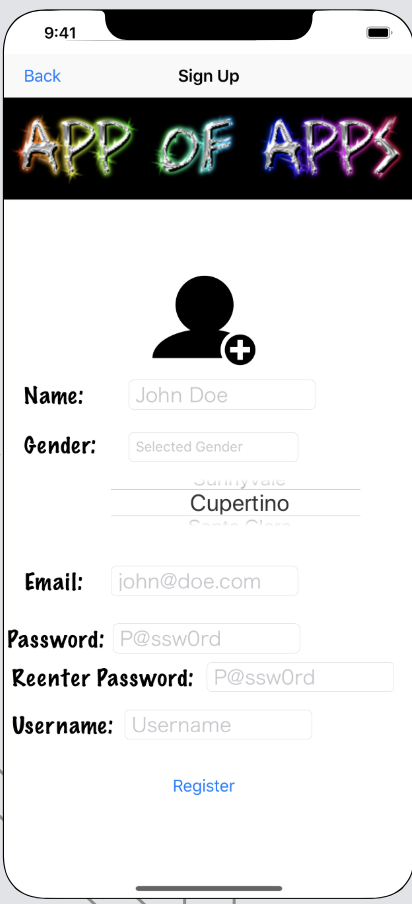
App of Apps highlights strong system design and integration skills by combining authentication,
productivity, media, mapping, and game modules in one cohesive application shell. The project
demonstrates how distinct feature domains can share a consistent navigation experience and maintainable architecture.
Project Impact
Engineered a modular app structure to support multiple user journeys without fragmenting UX.
Integrated MapKit, CoreLocation, AVFoundation, SpriteKit, and SQLite3 within a single iOS codebase.
Balanced feature breadth with usability through clear flow organization and reusable screen patterns.
Showcased product-minded execution across utility, entertainment, and location-based experiences.
Music player with progress updates, track switching, cover art, and volume control.
Map flow with geocoding, route rendering, saved locations, and step-by-step directions.
To-do list management and lightweight sign-up/sign-in experience.
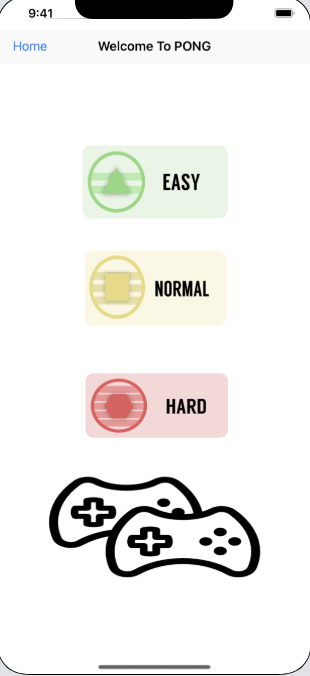
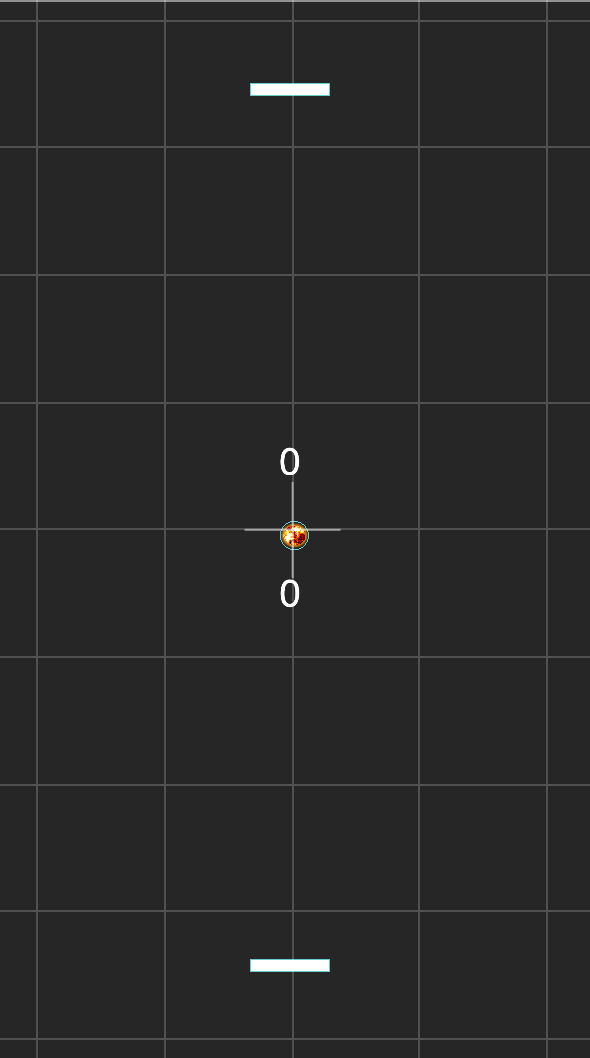
Pong game with easy, medium, hard, and two-player modes using SpriteKit scenes.
Strong fit for iOS roles requiring modular architecture, cross-framework integration, and product-scale thinking.
Inventory Management System
Operations dashboard Auth flow Roles + categories
Enterprise-grade ASP.NET MVC platform designed to standardize inventory workflows and enforce role-based access control.
Multi-role access control Clean MVC architecture Entity Framework ORM
Inventory Management System demonstrates backend system design and operational thinking through a role-aware,
data-driven ASP.NET MVC application. The project shows how structured entity relationships, authentication flows,
and controller-based workflows can power reliable business administration tools.
Project Impact
Architected role and user management systems with Entity Framework to enforce access control at the model layer.
Built RESTful CRUD controllers for inventory, categories, and user administration with clean separation of concerns.
Designed Razor Views and layout hierarchy to support both admin and end-user workflows seamlessly.
Implemented stored procedures and database optimization patterns for operational efficiency at scale.
Technology display
C#ASP.NET MVCEntity FrameworkRazor ViewsStored proceduresBootstrapRelational data model
Key features
Authenticated entry flow with session-based access control.
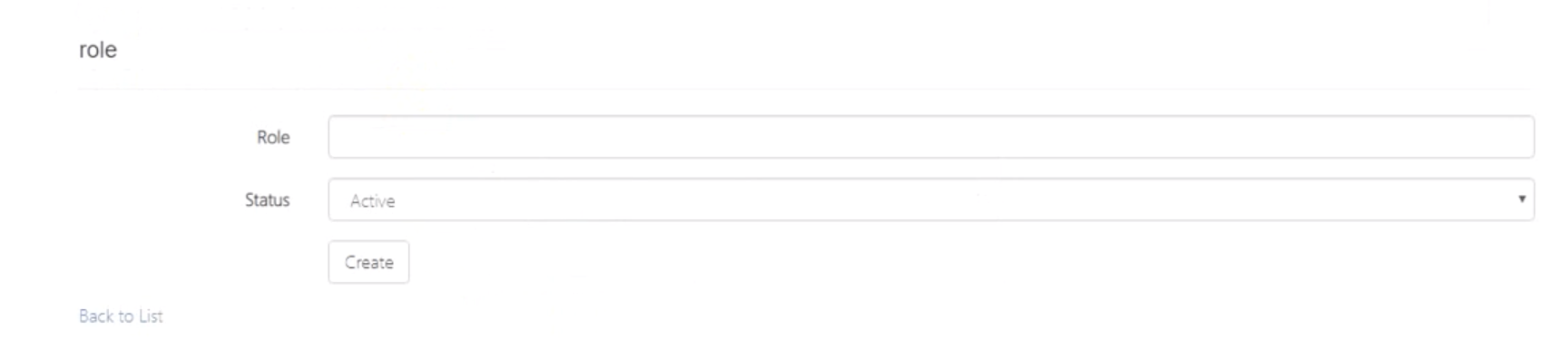
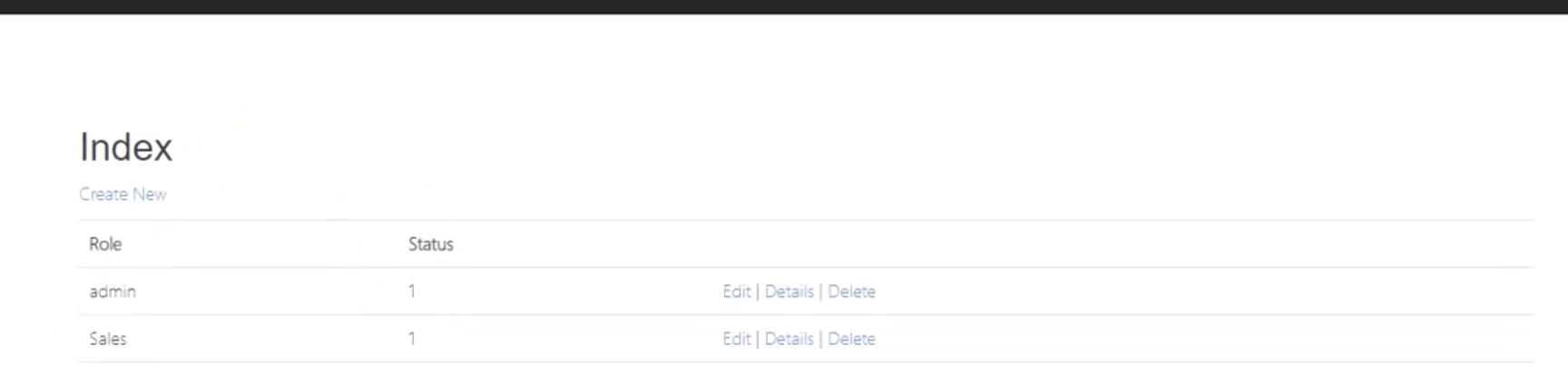
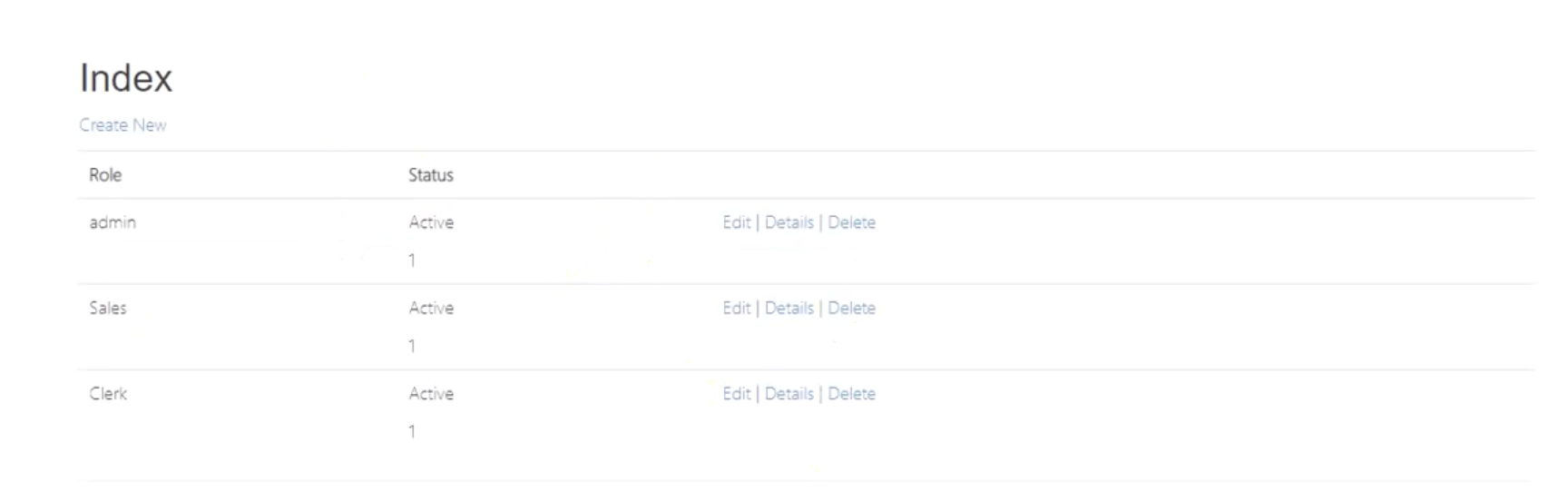
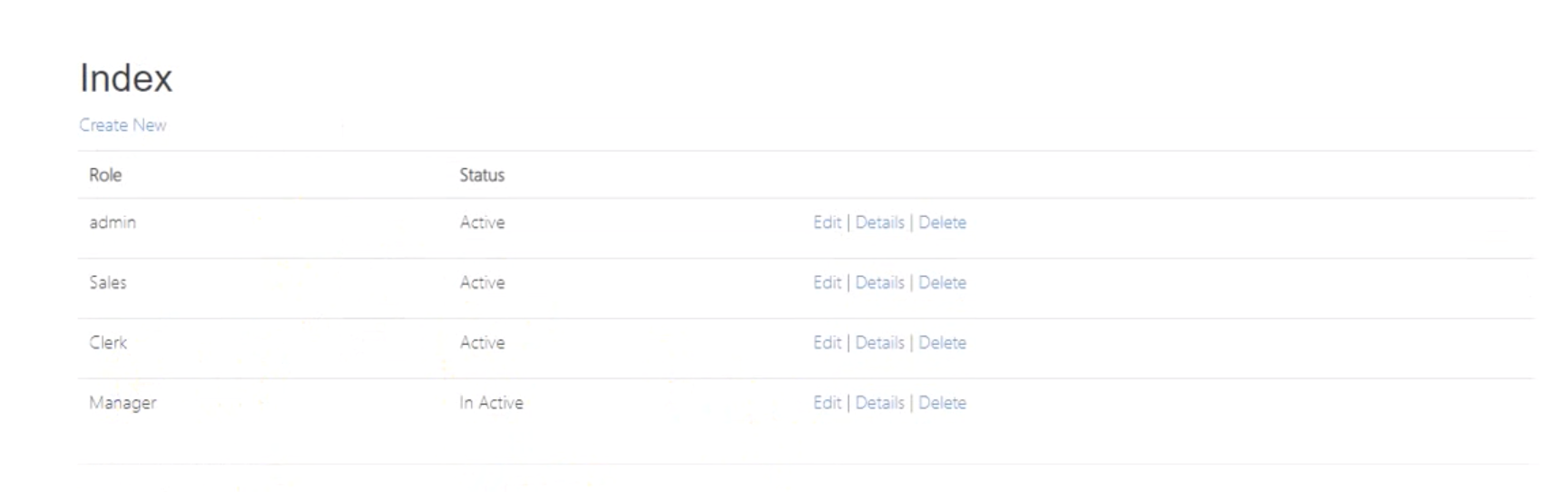
Role, category, and user controllers provide clean CRUD management screens.
Entity Framework models define relationships for roles, users, and categories.
Strong fit for backend/full-stack roles requiring system design, ORM expertise, and operational thinking.
Pantrio
Recipe generator Meal planner Dietary filters
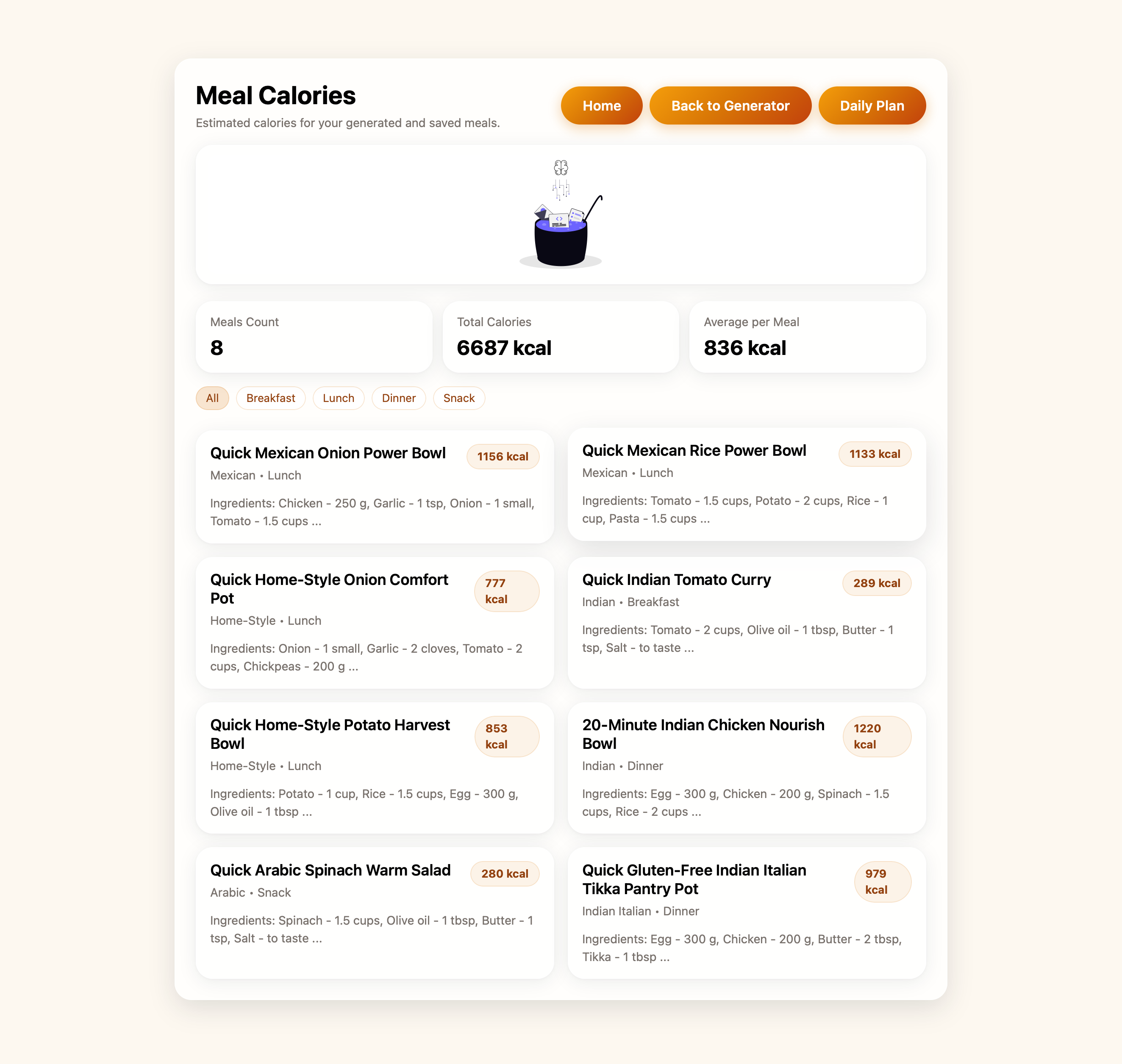
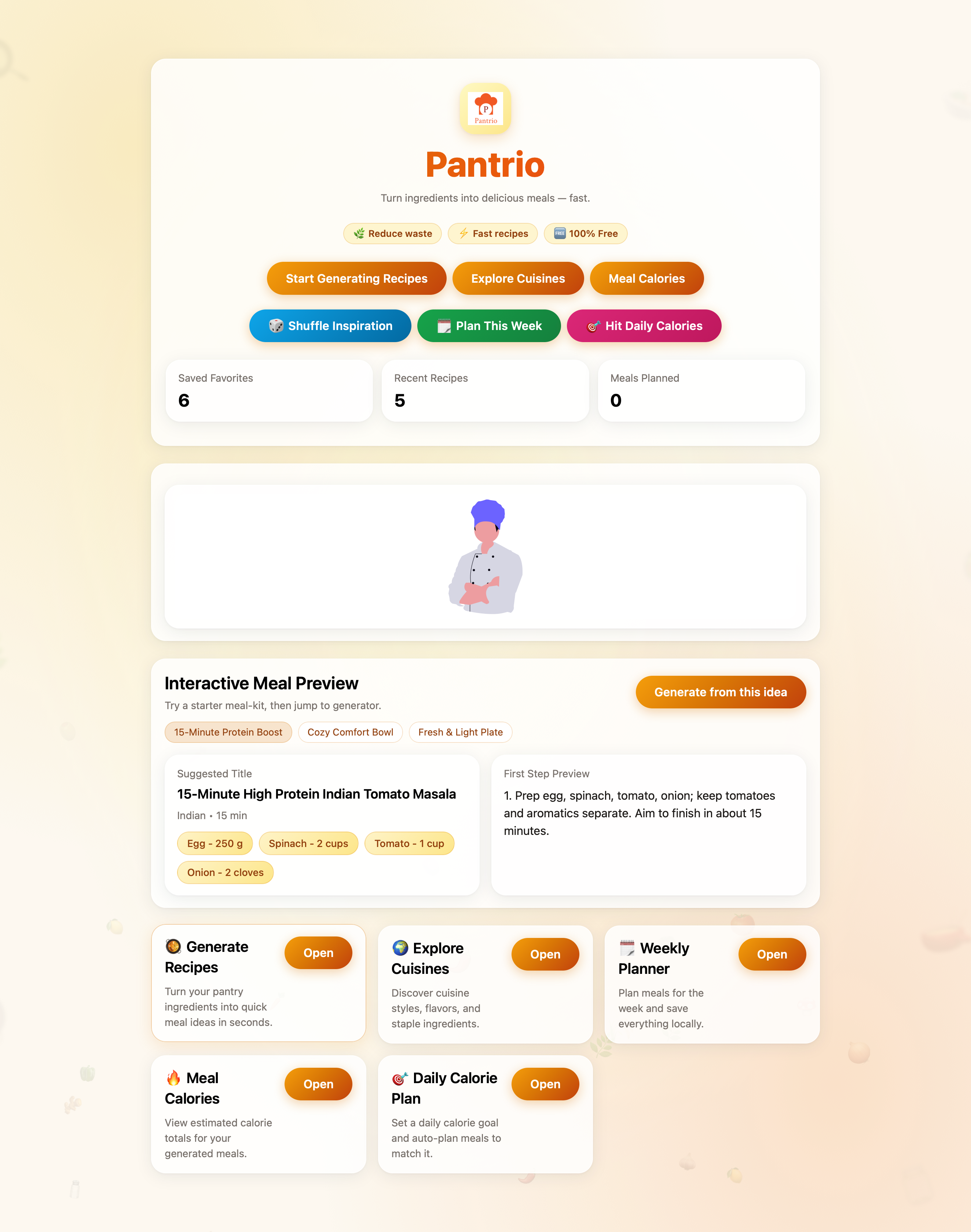
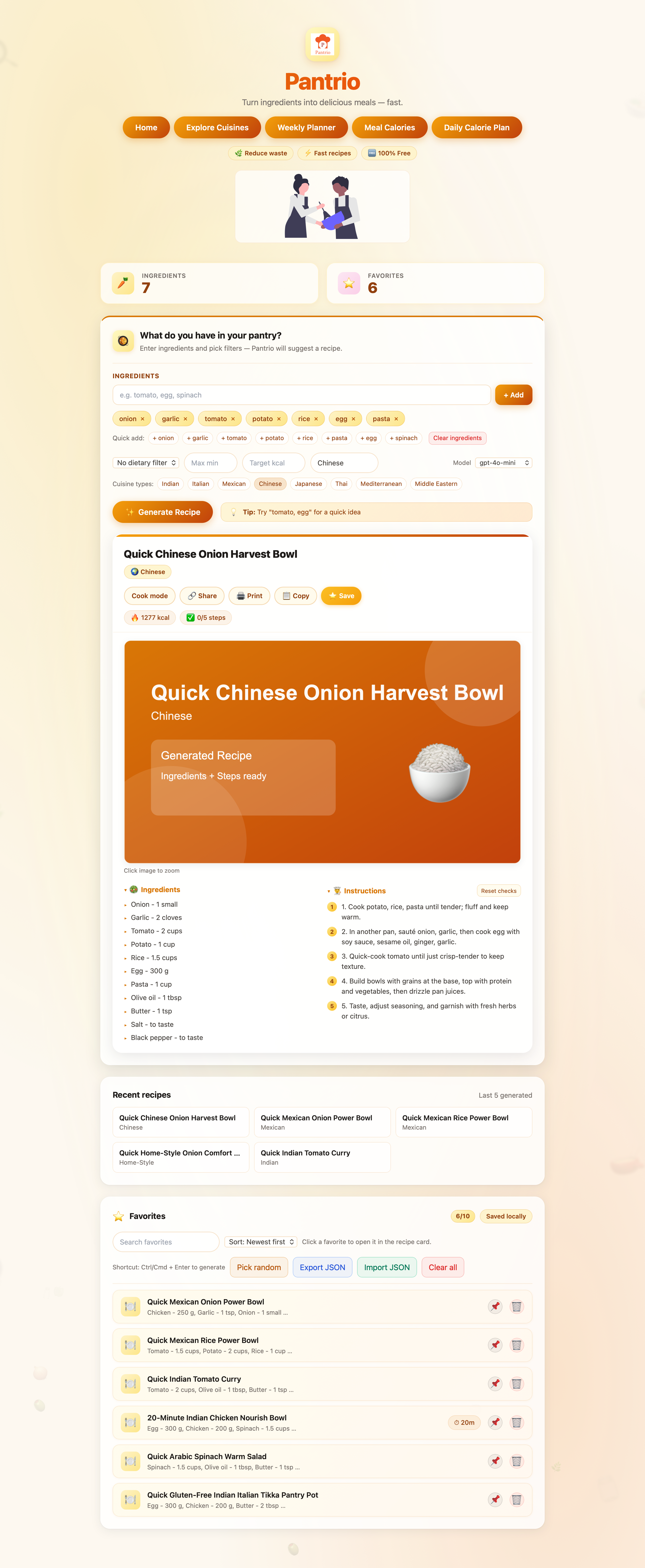
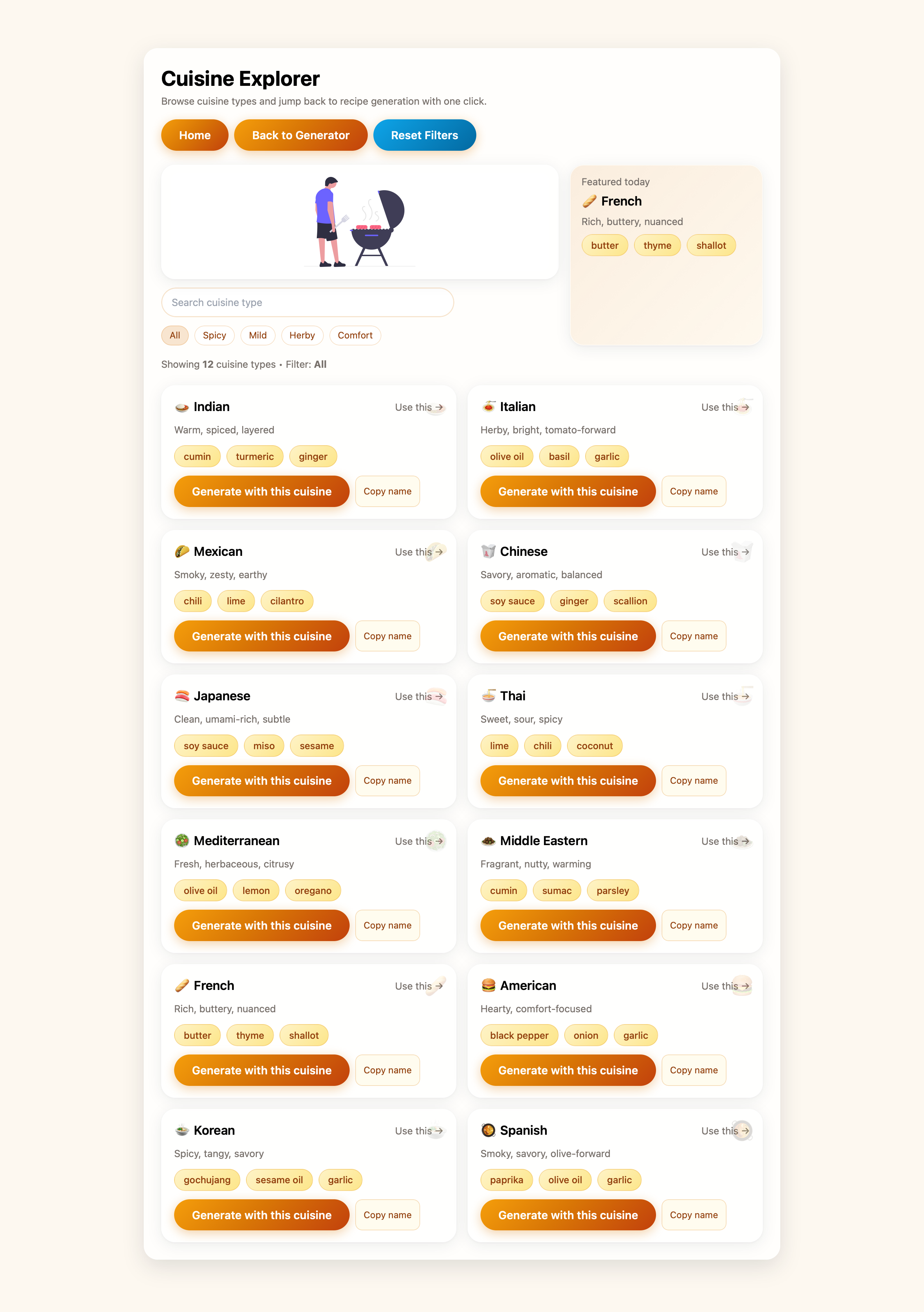
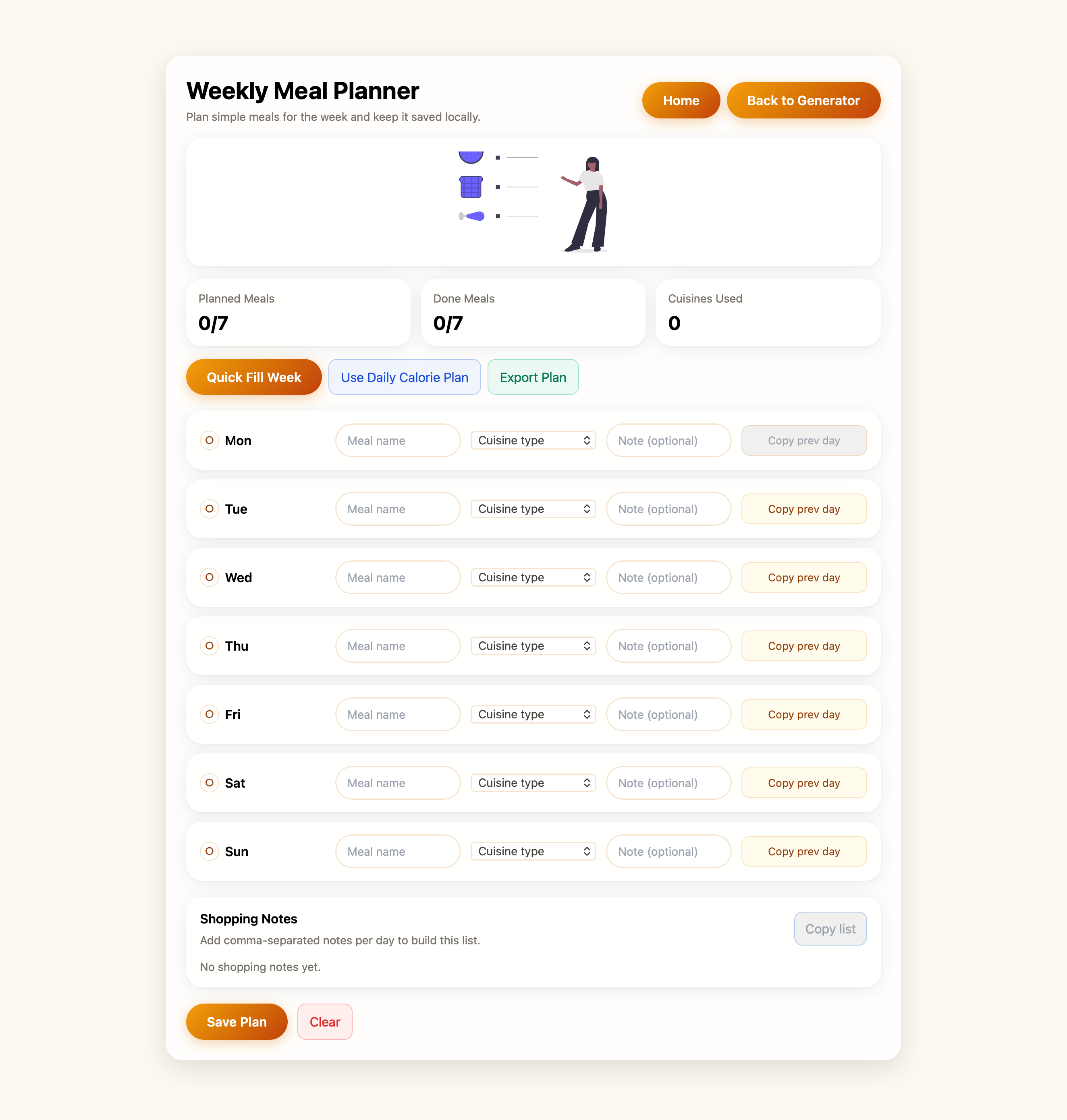
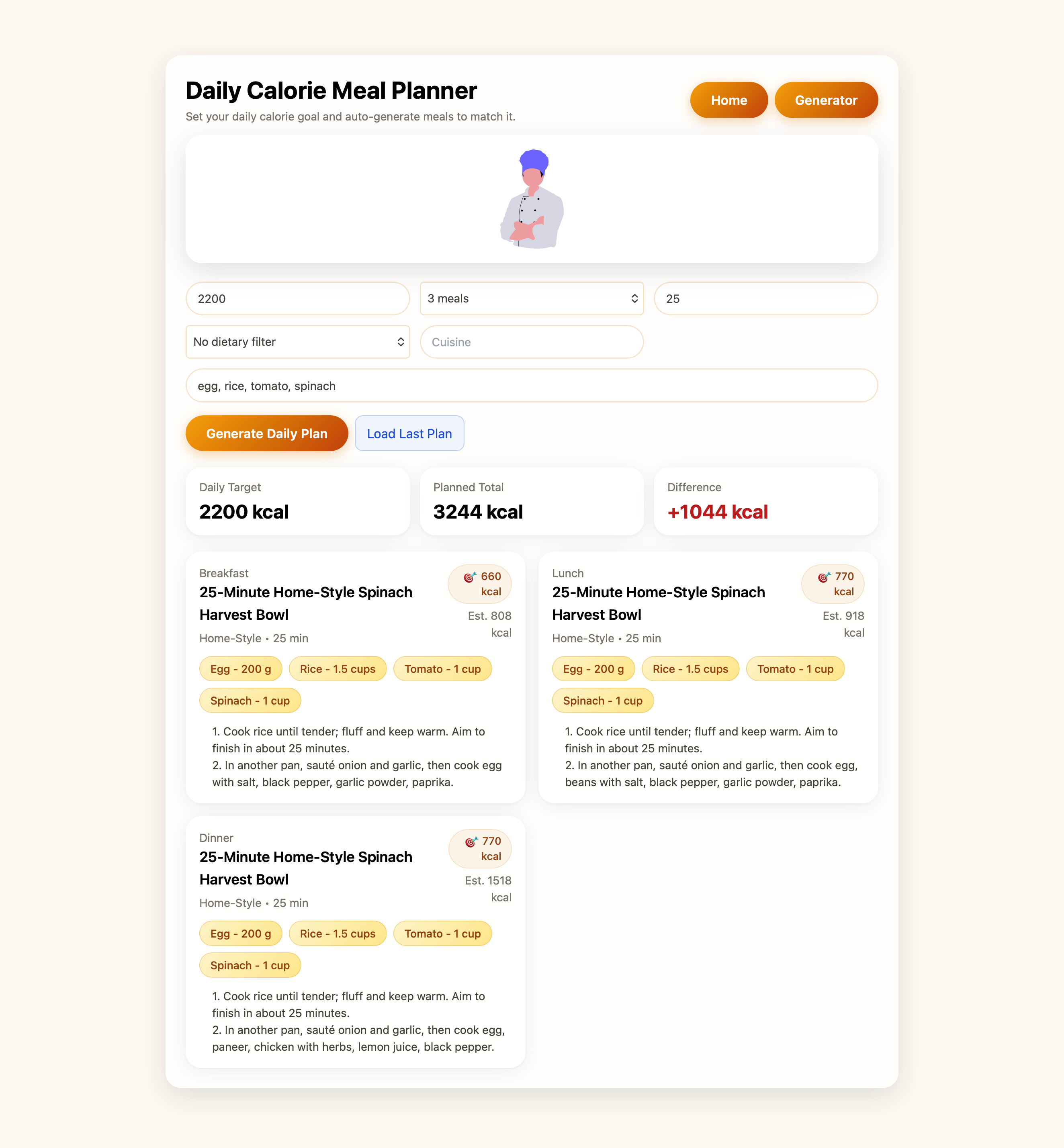
Recipe and meal-planning web app that helps users turn pantry ingredients into meal ideas, track favorites, explore cuisines, and plan weekly or calorie-based meals.
Pantrio is a modern web app for meal planning and recipe discovery. Users can generate recipes from their pantry, filter by dietary needs, plan meals for the week, and save favorites—all with a fast, local-first experience.
Project Impact
Empowers users to reduce food waste by using on-hand ingredients.
Supports healthy eating with dietary and calorie-based filters.
Delivers a seamless, account-free experience with local browser storage.
Demonstrates full-stack React/Next.js and UI/UX skills.
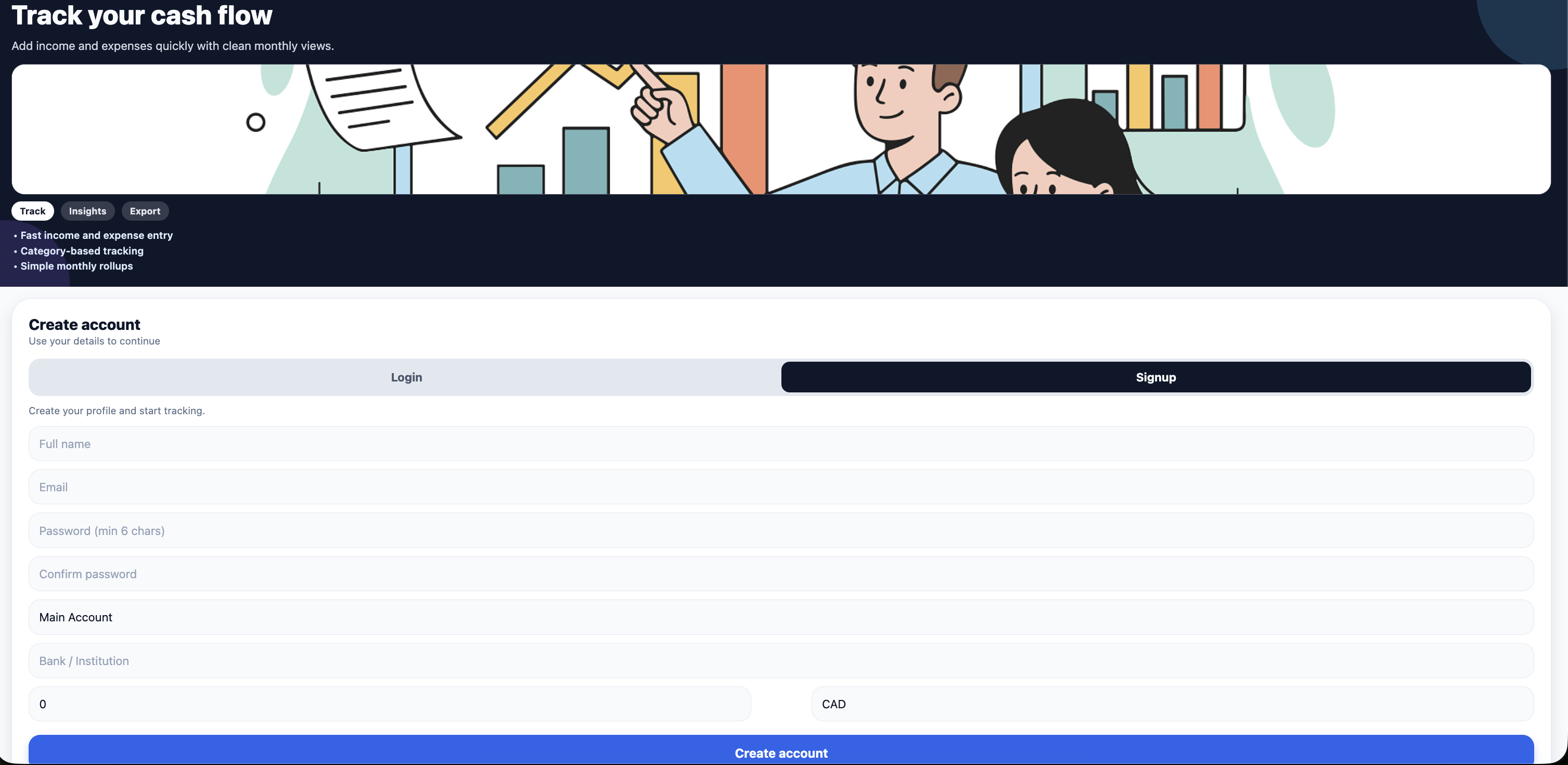
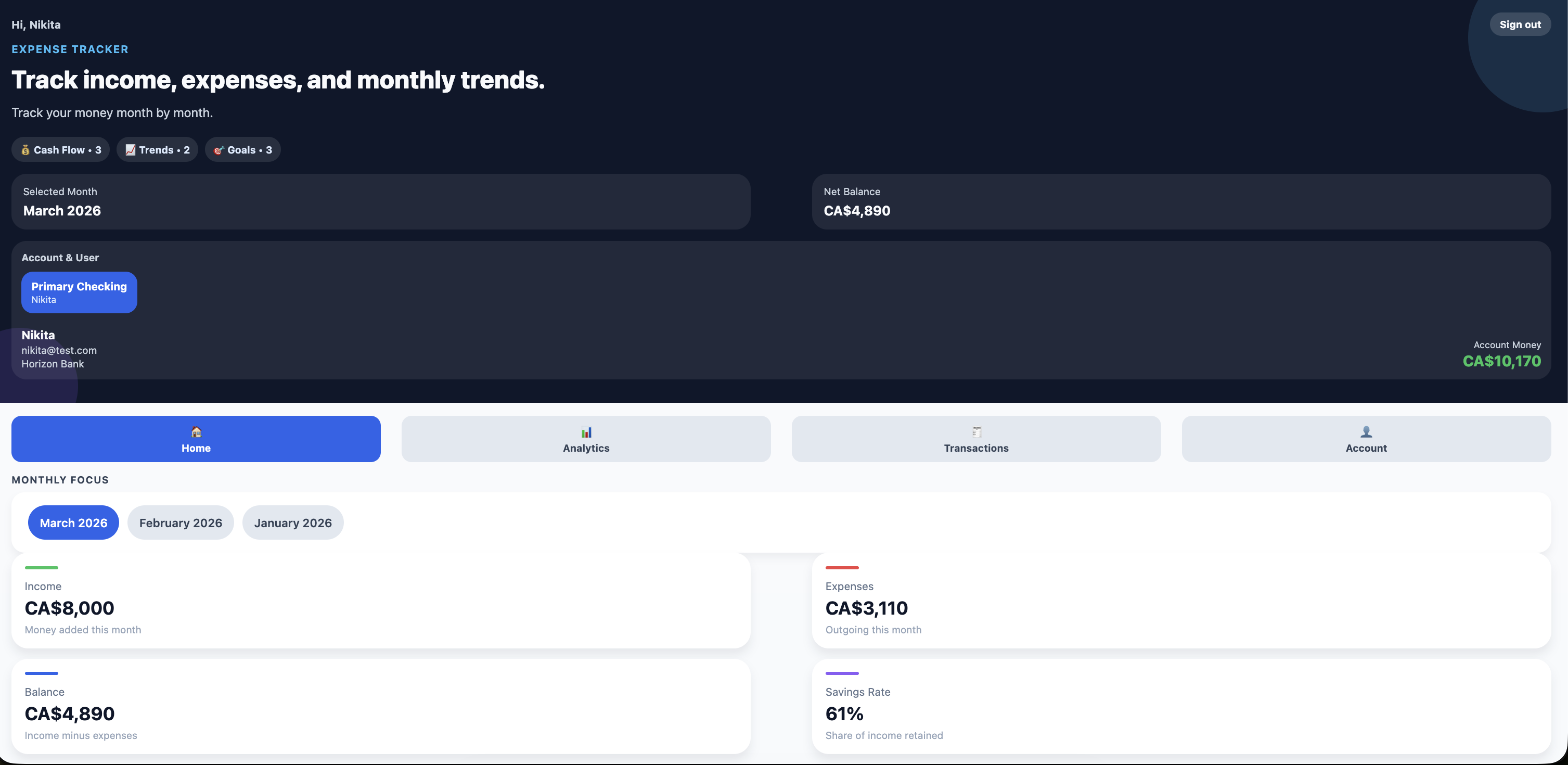
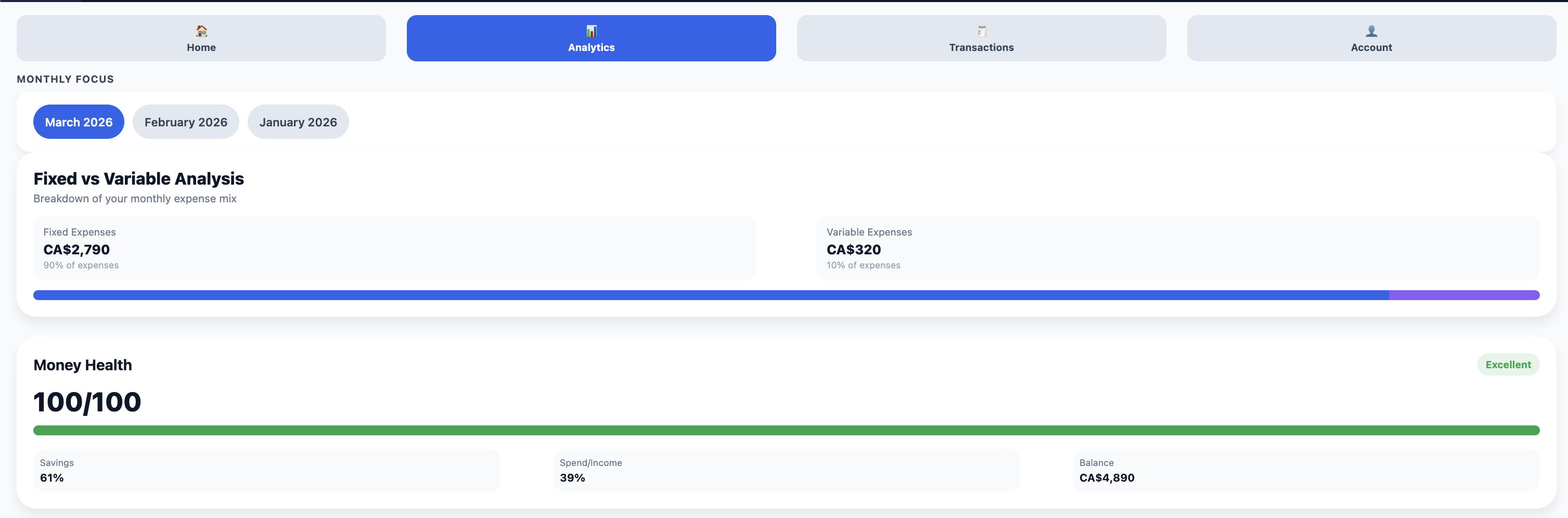
Expense Tracker is a cross-platform mobile application built with React Native and TypeScript using Expo.
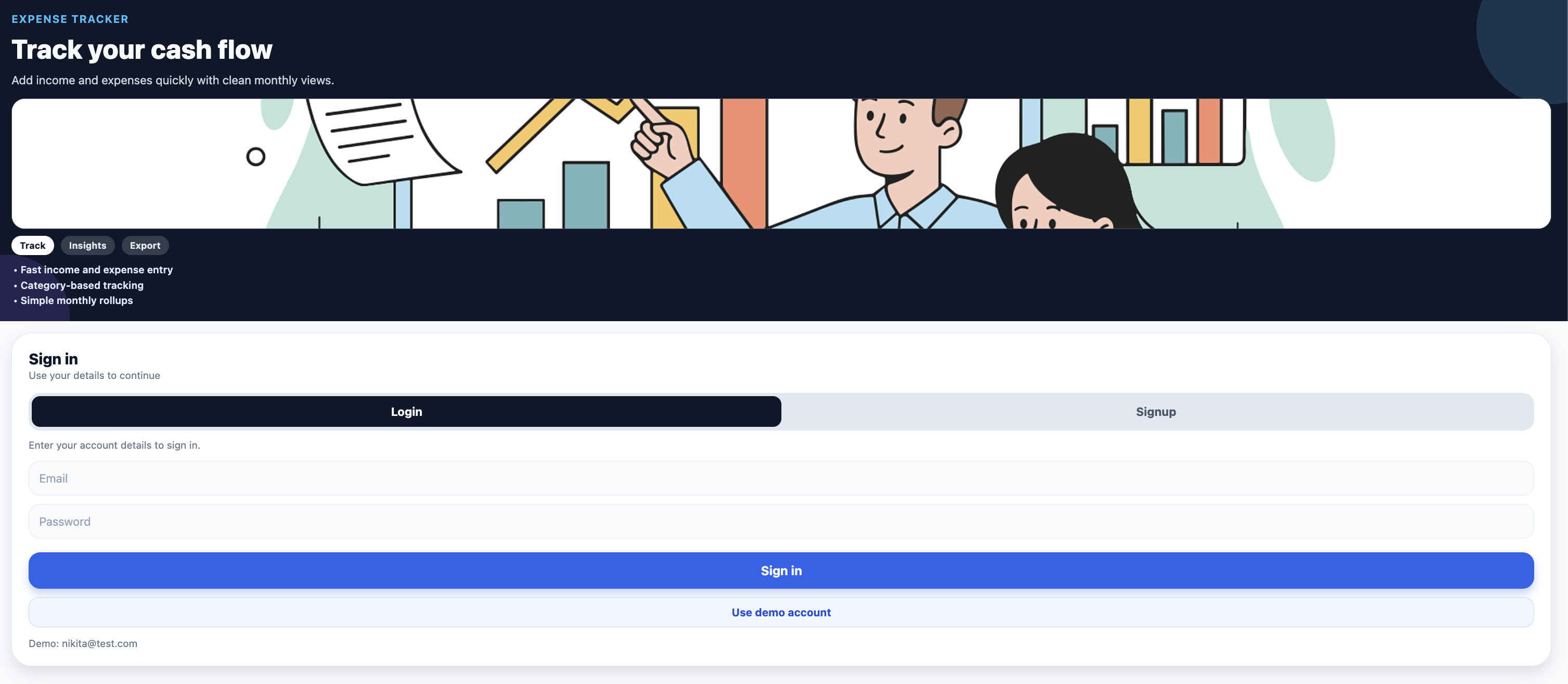
Users authenticate, manage accounts, and log income and expense transactions with categories, dates,
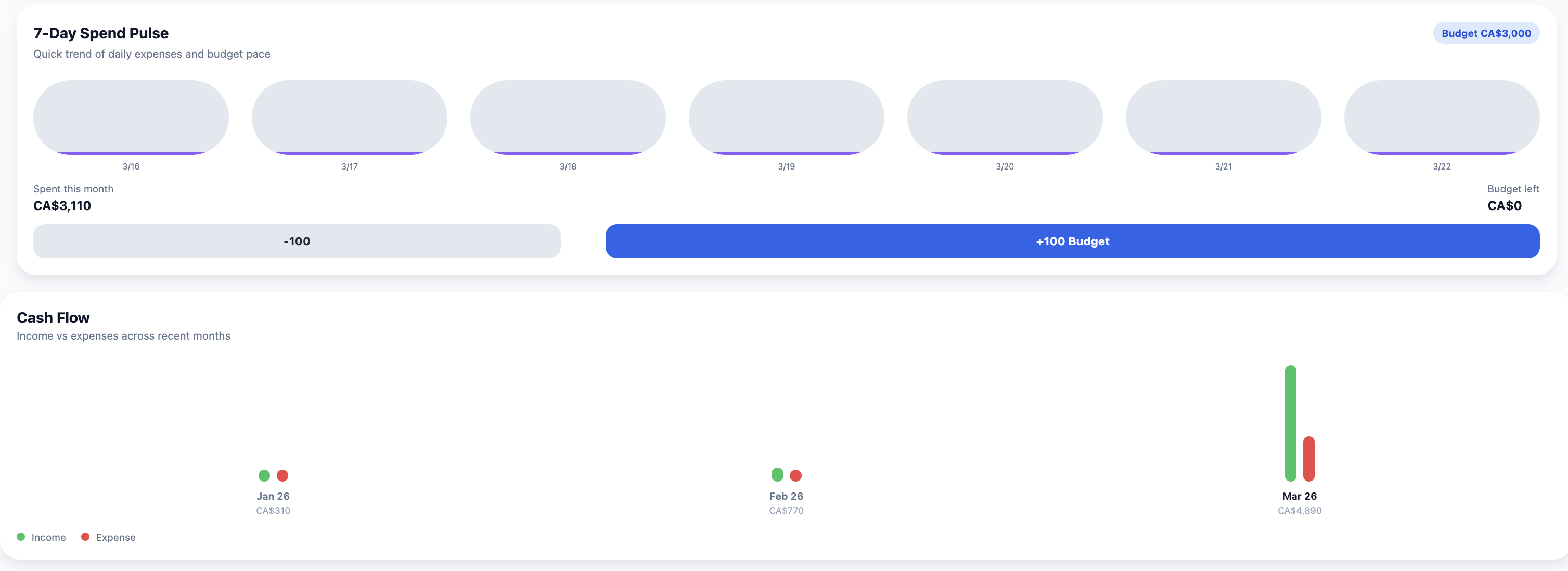
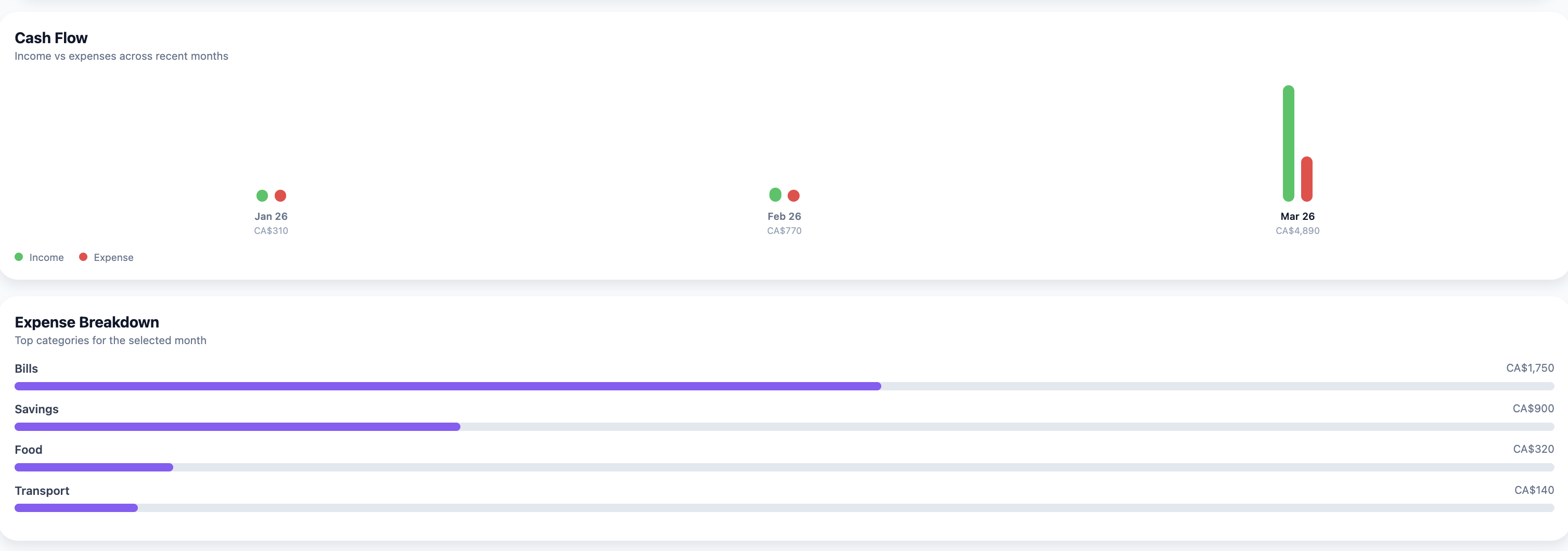
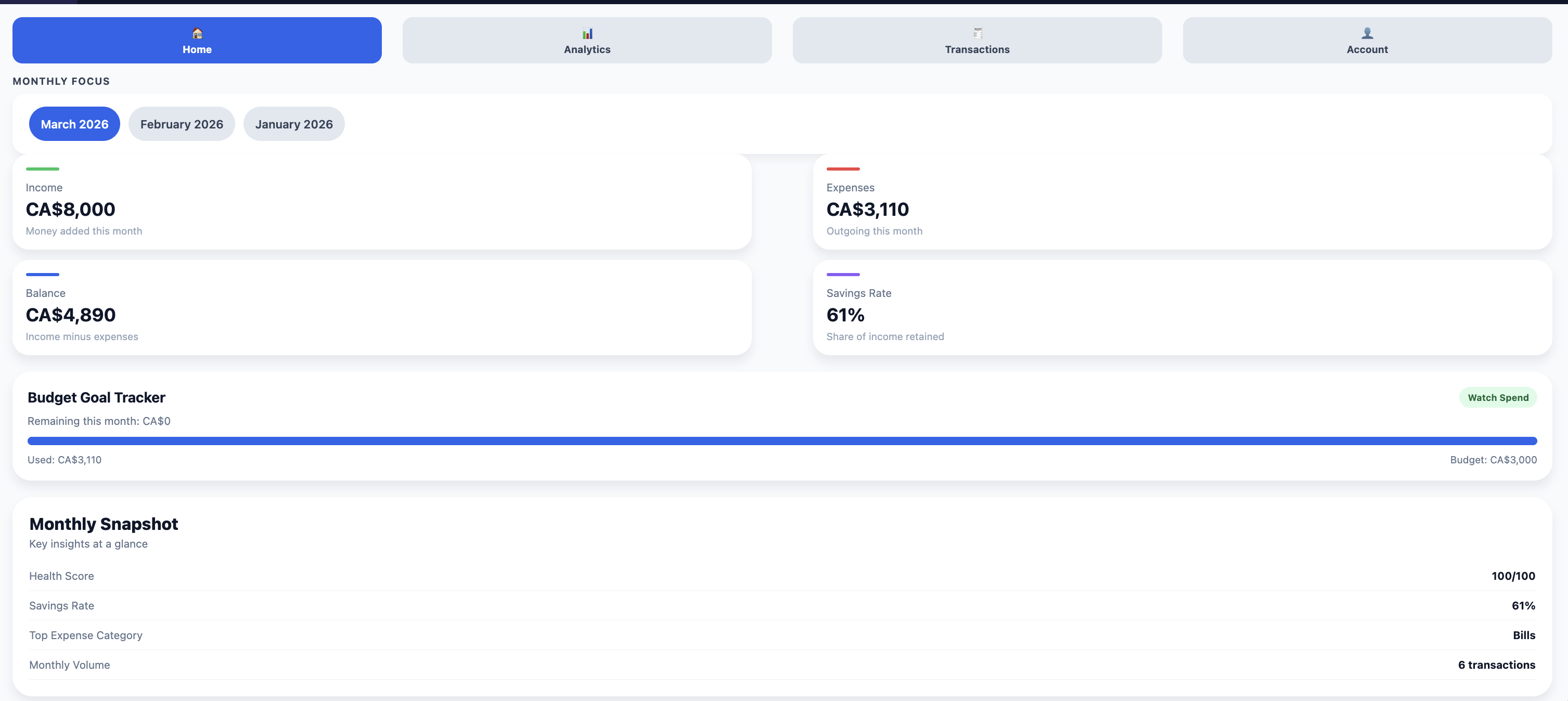
and fixed or variable classifications. Monthly summaries, visual analytics, and CSV export give users
clear financial visibility, while an optional Express.js backend enables account sync and persistent cloud storage.
Project Impact
Built a full authentication system covering registration, login, and session management across local and backend layers.
Implemented a dual persistence model — AsyncStorage for offline-first local data and Express.js REST API for backend sync.
Engineered monthly financial analytics including income, expense, balance, savings rate, trends, and category breakdowns.
Delivered CSV export functionality for transaction data, enabling users to carry their financial records beyond the app.
Designed focus items (Cash Flow, Trends, Goals) to surface the most actionable financial insights on the dashboard.